
Past reports are listed by visit date, so it helps to know roughly when the visit was.
View a past visit or work order
This starts from the customer’s profile. In the middle of a report, use History instead, below.
Open the profile
Go to Customers and tap the customer.
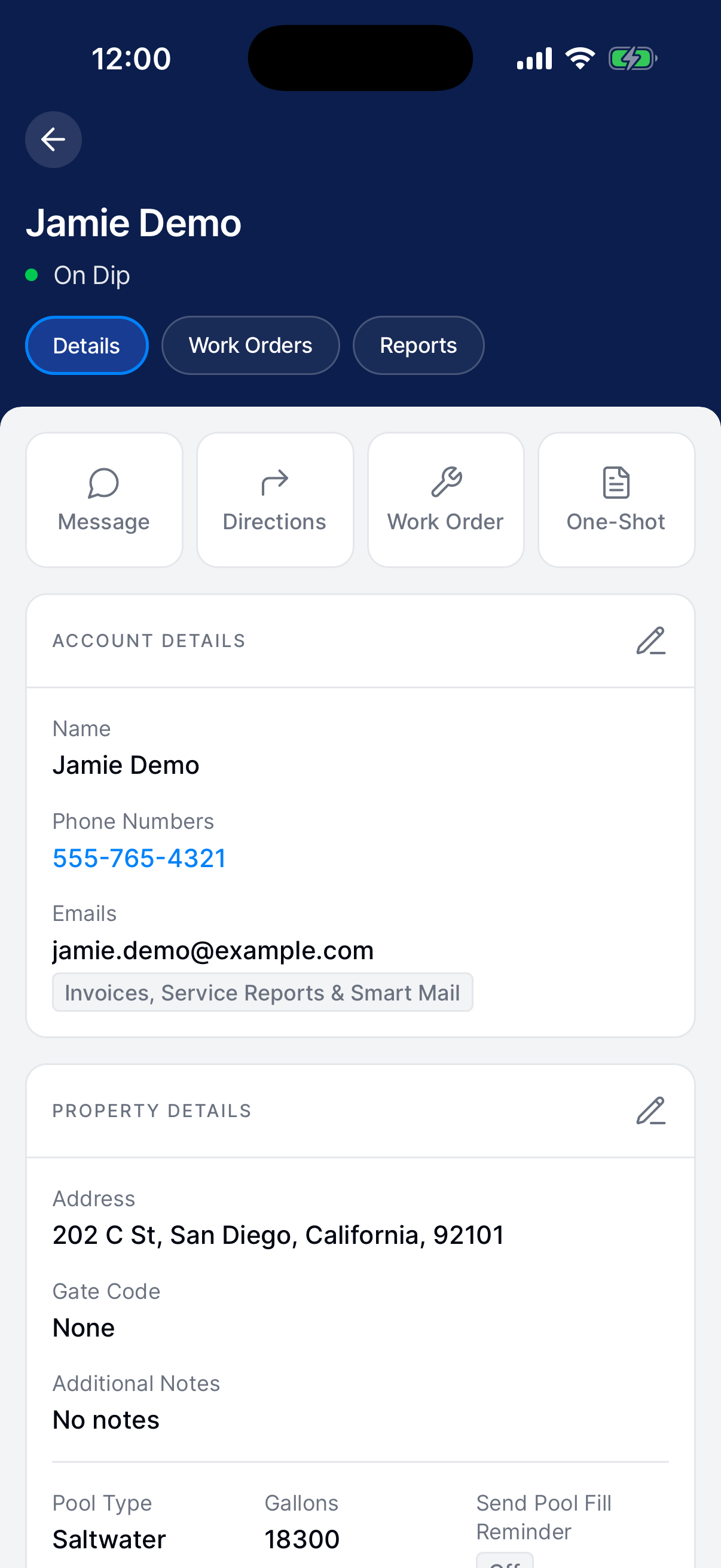
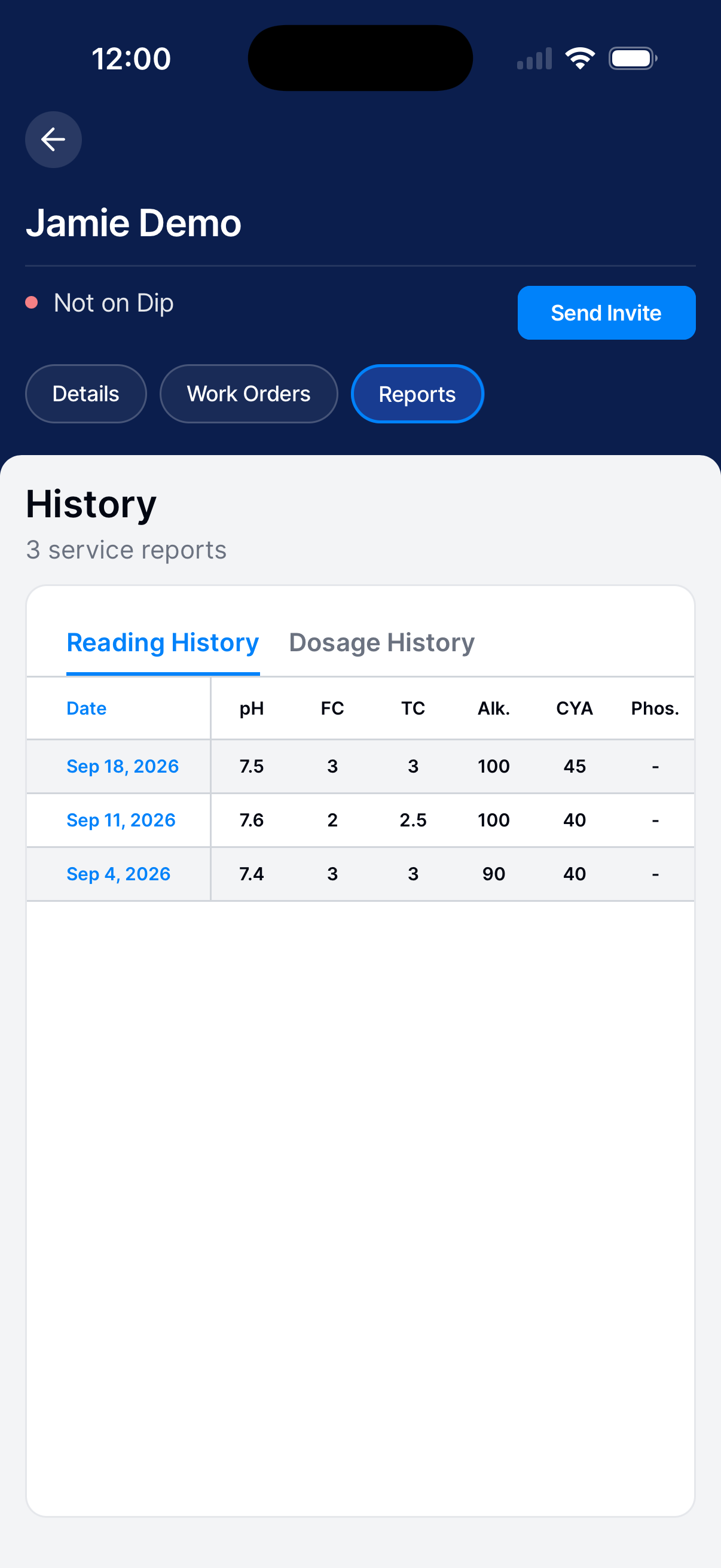
View service reports
Tap Reports. Choose Reading History or Dosage History.
Tap a date to open the full report, including work, notes, and photos.
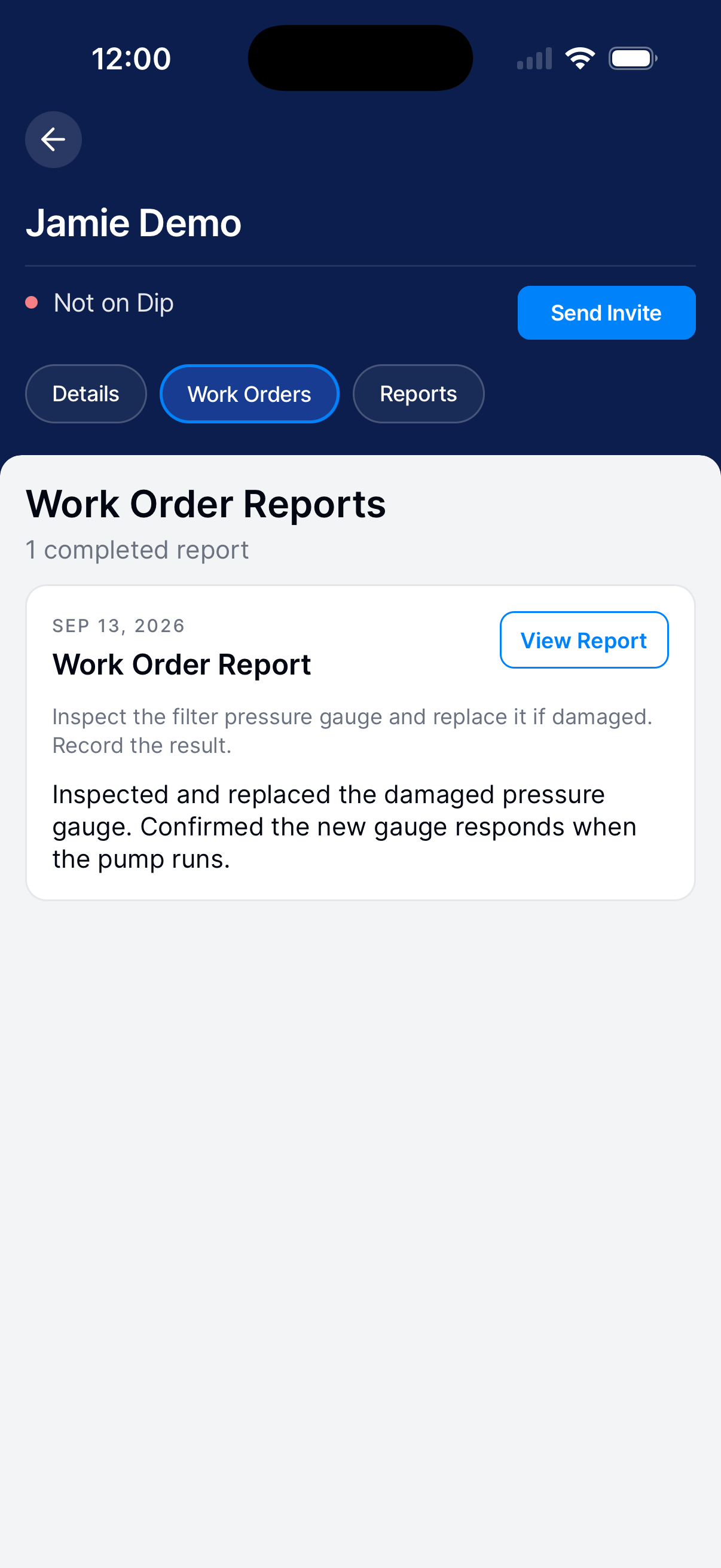
View work orders
Go back to the profile and tap Work Orders. It lists the work orders that have a finished report. Tap View Report to open one.
If you’re a technician and a work-order report isn’t there, ask your manager to look it up.
Compare measurements during a visit
Open History
Tap Measure → History.
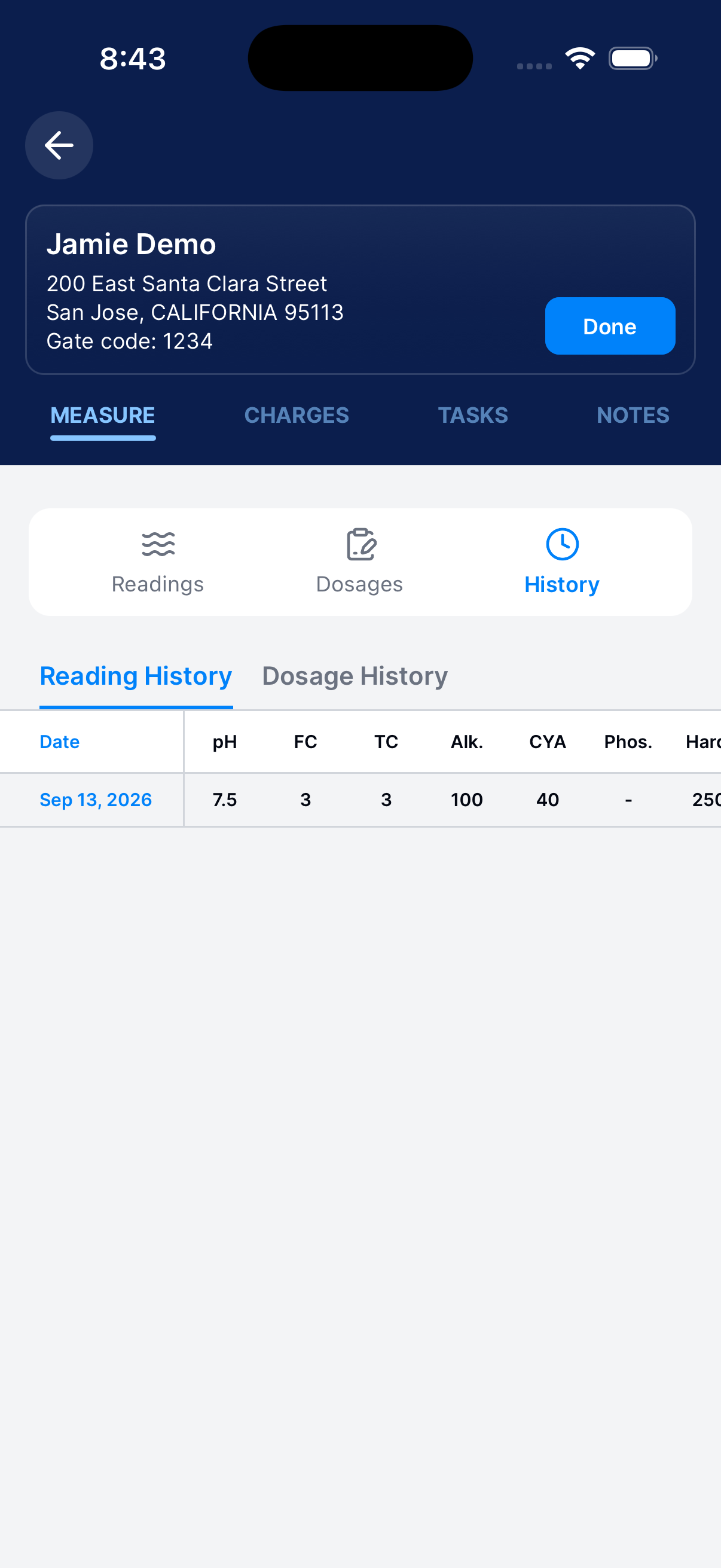
Review previous visits
Switch between Reading History and Dosage History. Each visit shows its date, so you can see how a reading changed over time.
Return to today’s report
Tap Readings or Dosages to go back to today’s report.