
Before you begin
Open a customer you can access. Your manager sets the technician, price, schedule, and customer messages.
1
Open the customer
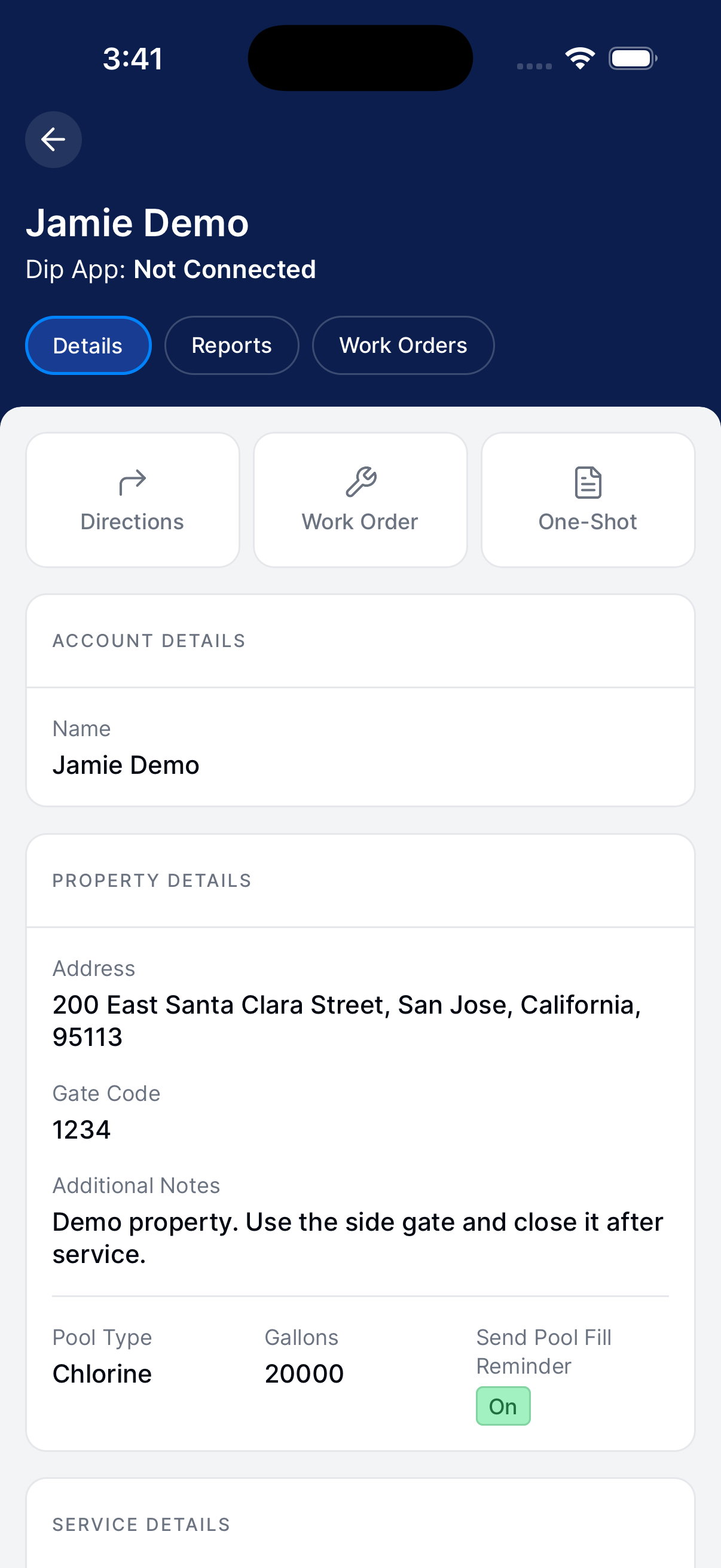
Go to Customers. Open the customer and tap Info.
Tap Work Order.
2
Describe the request
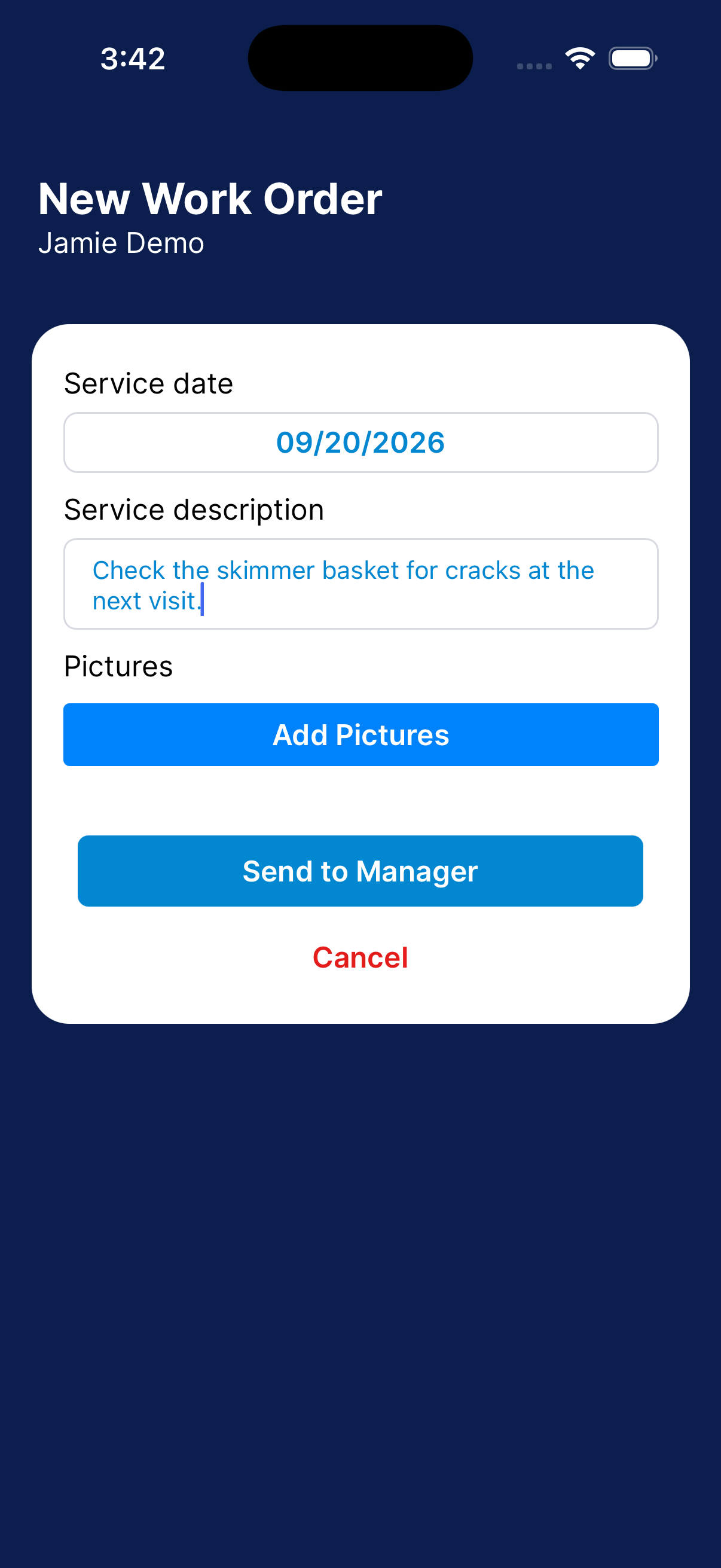
Choose a service date. Enter the work to be done.
Add pictures if they help.
3
Send to Manager
Check the request and tap Send to Manager. Keep Dip connected until it sends.
What happens next?
Your manager receives the request as a draft. They still need to review it and handle the technician, schedule, price, and approval.